Bitrix24 Implementation
We tailor Bitrix24 to your business processes — from sales funnels to automating routine tasks. No overpayment for unnecessary work.
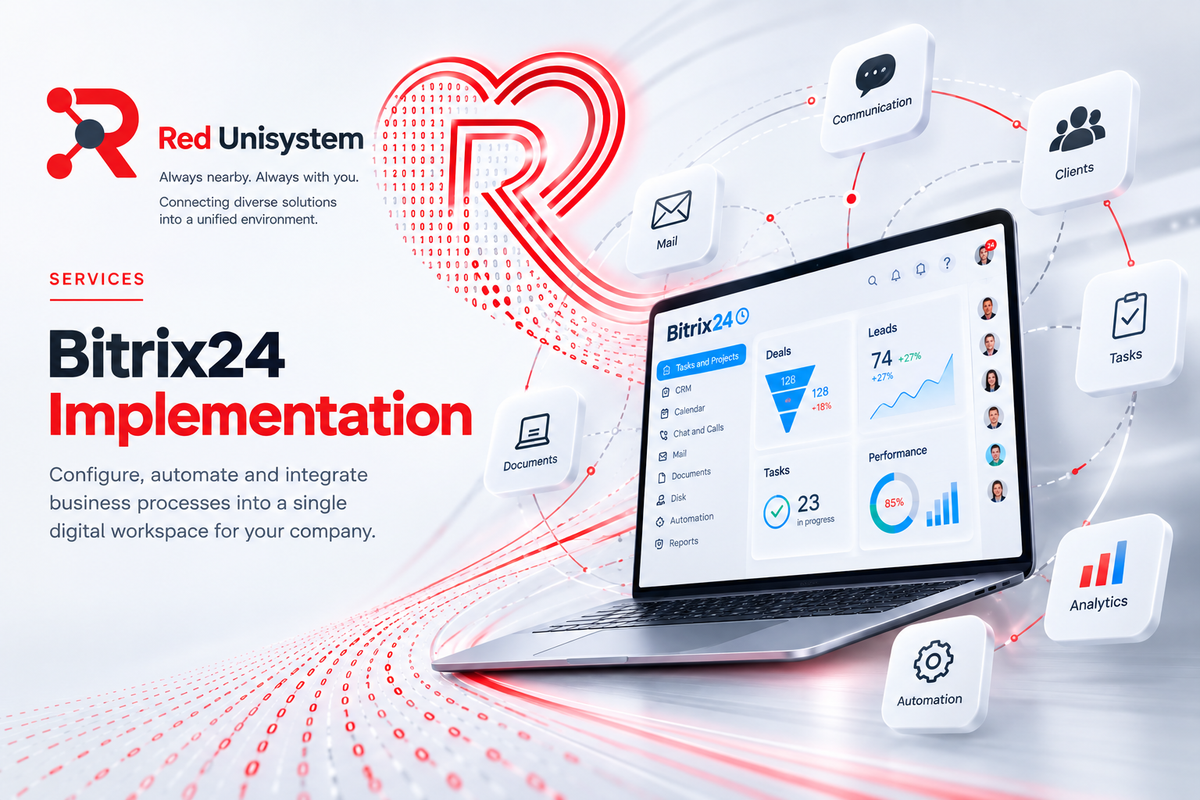
Bitrix24 is not “just another CRM” — it’s a constructor for a specific business. The problem is that out of the box, it either sits half-unused or turns into an overloaded interface where employees get lost. We focus on making the system a working tool, not a deadweight on your budget.
What We Do
- Configure sales funnels aligned with your real deal cycle, not generic templates.
- Integrate with email, telephony, messengers, and your website.
- Automate routine operations using robots, triggers, and business processes.
- Set up access rights and department structure so each user sees only what they need.
- Train your team and provide post-launch support.
How We Work
Audit of current processes — we schedule a call and analyze how you currently sell and manage clients. Duration: 3–5 days.
Structure design — we map out funnels, fields, and automations before any setup begins to avoid rework later. Duration: 5–7 days.
Configuration and testing on real scenarios — we build the system, run it through live deals, and adjust as needed. Duration: 2–4 weeks, depending on the number of funnels and integrations.
Team training and handover with support — 2–3 sessions with your staff, plus documentation and ongoing support. Duration: 1 week.
Overall timeline: 1–1.5 months for a typical project. For complex processes or multiple integrations, plan for 2 months or more.
Cloud vs On‑Premise Version
We primarily work with the cloud version of Bitrix24. It launches faster, requires no servers or in‑house administration, and updates automatically. For most companies, its capabilities are more than sufficient.
We recommend the on‑premise (box) version only when data storage requirements mandate keeping everything on your own servers. If you’re unsure which option suits you best, we’ll discuss it during the audit.
What We Don’t Do
- We don’t configure everything just because it exists. If a module doesn’t solve a real business problem, we’ll advise against it. Extra buttons and tabs only make the interface harder for your team.
- We don’t automate for the sake of automation. A robot makes sense only when an action repeats daily and takes up significant time. If a task occurs once or twice a week, it’s better handled manually.
- We don’t hand over the system and disappear. After launch, we stay available for refinements, questions, and onboarding new employees.
- We don’t promise “everything in a week.” If the process is complex, we’re upfront about realistic timelines. The durations listed above aren’t a safety margin — they’re the time needed to make the system truly work, not just look configured.
Case Study
Rating company, small business.
Problem. Telemarketers would make one round of calls and then forget about the contacts. Clients were lost at the first touchpoint — there was no tracking of who hadn’t been called back or who had postponed their decision. Managers couldn’t see which leads were slipping away.
What We Did:
- Designed a sales funnel aligned with the company’s actual client journey — from cold call to signing.
- Integrated with telephony — all calls are automatically recorded in the client card.
- Set up email notifications for employees about overdue tasks for each lead.
- Automated alerts to managers when leads with high-priority parameters were rejected — if a telemarketer declines a promising client, the manager sees it immediately.
Result. Active client base grew by 20% because no contact was lost anymore.
Who It’s For
Companies where managing sales or customer service via spreadsheets and email is no longer viable — and where you need a dedicated manager rather than a support ticket in a vendor’s queue.